
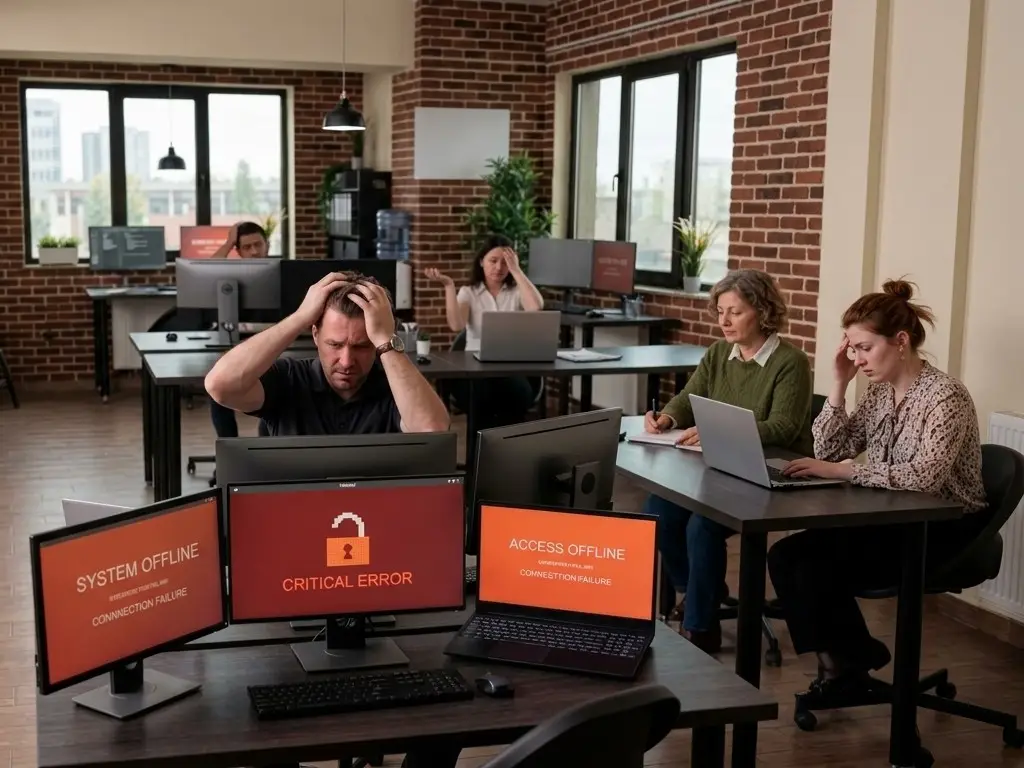
Here’s how it usually goes. Everything’s fine, nobody’s thinking about IT, and then one morning it isn’t fine. A server’s down. Nobody can access files. Or worse, someone opened an email they shouldn’t have and now half the office is locked out of everything.
And suddenly IT is the only thing anyone’s thinking about.
The numbers are bad. Like, actually bad.
Most business owners I talk to have a vague sense that downtime is expensive. They’re usually not prepared for how expensive. Research on this puts the average cost somewhere between $8,000 and $15,000 per hour for small businesses. Per hour. For a lot of the businesses we work with, one bad day is enough to erase a month of margin.
And that’s just the direct stuff. The client who needed something at 2 PM and gave up by 3 and called someone else, that doesn’t show up on the damage report. Neither does the staff time burned trying to work around broken systems, or the slow reputation erosion that comes from being unreliable when it matters. Those costs are real, they just take a while to show up.
It’s almost never one big thing
When we dig into why a business went down, it’s usually not some dramatic Hollywood-style attack. It’s a patch that never got applied. A backup system nobody tested for eight months that turns out to not actually be backing anything up. A phishing email on a random Tuesday that one person clicked because it looked like it came from HR.
Small stuff, compounding.
Cybersecurity incidents are now the number one cause of downtime for small businesses, and the “hackers only go after big companies” idea has been wrong for a long time. Small businesses have weaker defenses and real data. That combination is attractive to the people doing this for a living.
The reactive IT trap
A lot of small businesses handle IT the same way. Something breaks, somebody calls, it gets fixed, everyone moves on and tries not to think about it until next time. That works okay until it really doesn’t.
The problem with reactive IT isn’t just that it’s stressful. It’s that you’re always paying twice. Once for the downtime while you wait for help, and again for the emergency support itself. Emergency rates are higher than regular maintenance. And recovering from a ransomware attack, to pick one example, costs somewhere between ten and a hundred times more than the security measures that would have stopped it. I’m not exaggerating that range, it really varies that much depending on what gets hit.
What actually prevents this
Managed IT is basically the opposite of reactive. Instead of waiting to hear from you when something goes wrong, a managed IT provider is watching your systems all the time. Catching things before they become problems. Patching software before the vulnerability gets exploited. Testing backups so when you actually need them, they work. Flagging hardware that’s starting to fail before it takes down a critical system.
For small businesses that don’t have someone in-house doing this full time, managed IT fills that gap. You get monitoring, cybersecurity, backup management, and support from people who already know your setup when something does go sideways. The response is faster and the damage is smaller because you’re not starting from scratch every time.
Nobody’s going to eliminate every possible IT problem. That’s not realistic. What you can do is make sure problems get caught early, and when something does happen, you’re down for an hour instead of three days.
What we do at Magnitech
We work with small and mid-sized businesses across Chicago that run on technology and need it to actually work. Continuous monitoring, cybersecurity, backups, responsive support from people who know your business already. Not a help desk you call when things are on fire. More like the reason things don’t catch fire.
If you’re not totally sure what’s protecting your systems right now, that’s probably worth figuring out. Reach out and we’ll take an honest look at where you stand.